Short answer: Talk it out first, then let AI do the structuring. I record a rough voice note, have AI turn the transcript into projects and tasks, then build a reusable prompt that gives me a strong skeleton draft. The last step, checking accuracy and making it sound like me, stays human.
Watch the full walkthrough.
This is a behind-the-scenes look at a process I was fleshing out. The example was planning outreach scripts and a personal knowledge base, but the workflow works for almost any messy idea.
Step 1: Record the idea, don't type it
I start by recording a note to myself in Loom, not by typing straight into a GPT.
Why Loom? I want the transcript. When I'm thinking through a process there are lots of "ums" and long stretches of thinking out loud, and it's easier to just talk for a while. If I need to, I can edit parts out in Loom. Then I copy the transcript and move on.
Step 2: Turn the transcript into projects and tasks
Before handing it to anything else, I give AI a clear instruction. Roughly:
Take the following transcript, remove all the timestamps, and build a structured template broken down into projects, with tasks for each project, that can be brought into a task management system.
The transcript is my input. The structured breakdown is my output. I skim it: my plan, my personal knowledge base, yep, yep. That's about what I want.
Step 3: Feed it into your project-management session
Next I paste that structure into a GPT session I keep running for broad project management: what's next today, rough time estimates, and so on. I have it read all my projects back to me to verify the structure came through correctly.
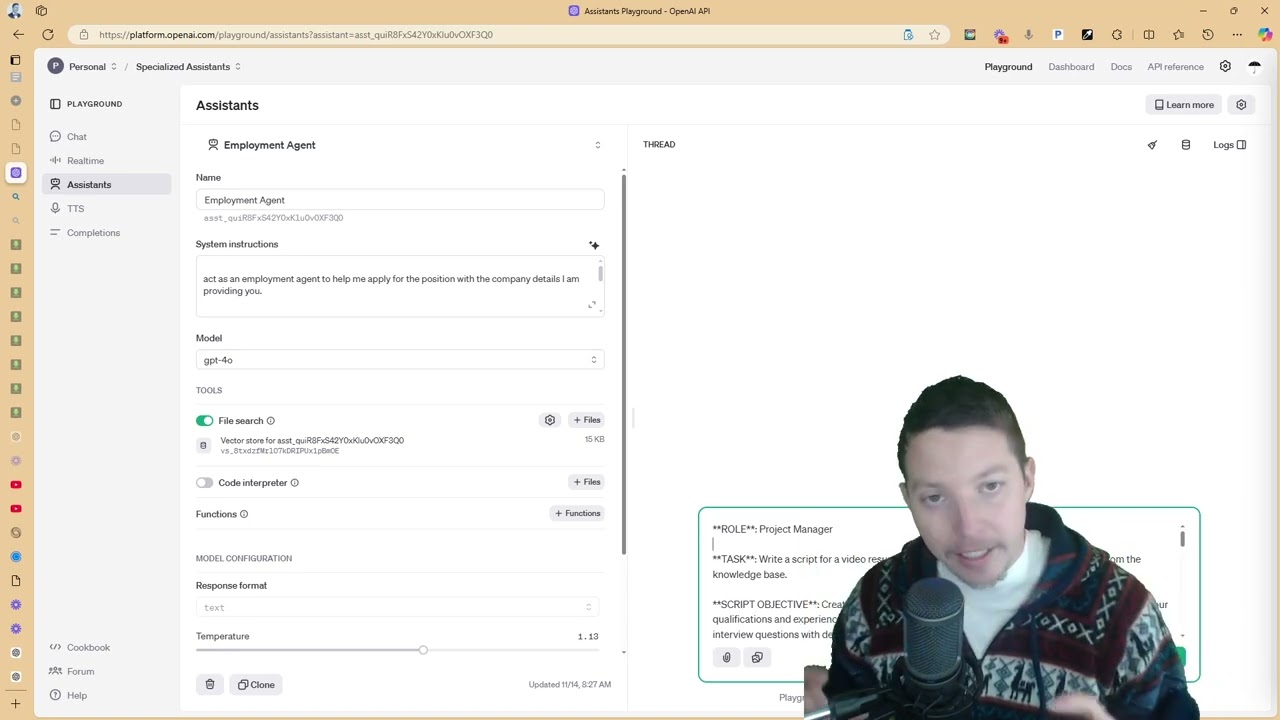
Then I take the relevant piece into a separate setup that already has a knowledge set on the topic, start it fresh, and see what it can produce.
Step 4: Make it a template so you can reuse it
Here's where it gets more useful. I'd already partly built this out before, which means it's something I want to replicate, just swapping out a few words for different uses. So I copy it into Promptmetheus, a prompt tool I'd been experimenting with, so I can reuse it depending on how good the output is.
Making it scalable instead of hyper-personalized for each person matters. I'll still add personal, specific details. But there's also a numbers game, and a general template that casts a wide net saves a lot of time.
Step 5: Think in input, output and action
This is where understanding how flow and structure work really pays off. You have to think: what exactly do I want?
- Input: what I'm handing it.
- Output: in this case, a prompt that I'll send to an API. Getting pretty meta: I'm not using the prompt as-is, I'm improving the prompt itself.
- Action details: what it should actually do. Today it's a script. Later it might be bullet points or something else.
Breaking it into those pieces gave me a much stronger format.
A small tip from the video: Ctrl+V pastes, Ctrl+Shift+V pastes without formatting. When you're working in a markup format, keeping new lines can help the AI split things into separate ideas. It also makes it easier for me to read back and see where things came from.
Step 6: Treat the output as a skeleton
I ran it in an API sandbox. How accurate would it be? I didn't know. But it gave me a really good, strong skeleton, and it brought up things I'd completely forgotten about, including using specific numbers and metrics that I wasn't even thinking about.
It's the same idea as using AI to write skeleton code: you still need to be able to read it, understand it, and improve it.
It also structured the flow nicely from beginning to end, in a format I can turn into reusable cards: one question, one answer, record it, done, next card.
What still needs a human
Does it sound like me? No, not yet, and honestly I'm not sure I want it to. Here's what stays with me:
- Accuracy checks. AI can hallucinate or drift a little off course, so I check the items it brings up.
- Voice. I can't read it word for word. It still sounds like AI.
- Curation. I delete bullets, add bullets, and tailor toward the specific use.
- Feeding it more. It starts with a small, limited data set. The more I expand it, the stronger the system gets.
The takeaway
- Talk the idea out and keep the transcript.
- Have AI structure it into projects and tasks.
- Turn what works into a reusable template.
- Think in input, output and action.
- Use the output as a skeleton, and do the human pass yourself.
The more you use a system like this, the better it gets, and the more you can stretch your time. If you want help building workflows like this for your business, that's what I do at codeChris.